
Building playground
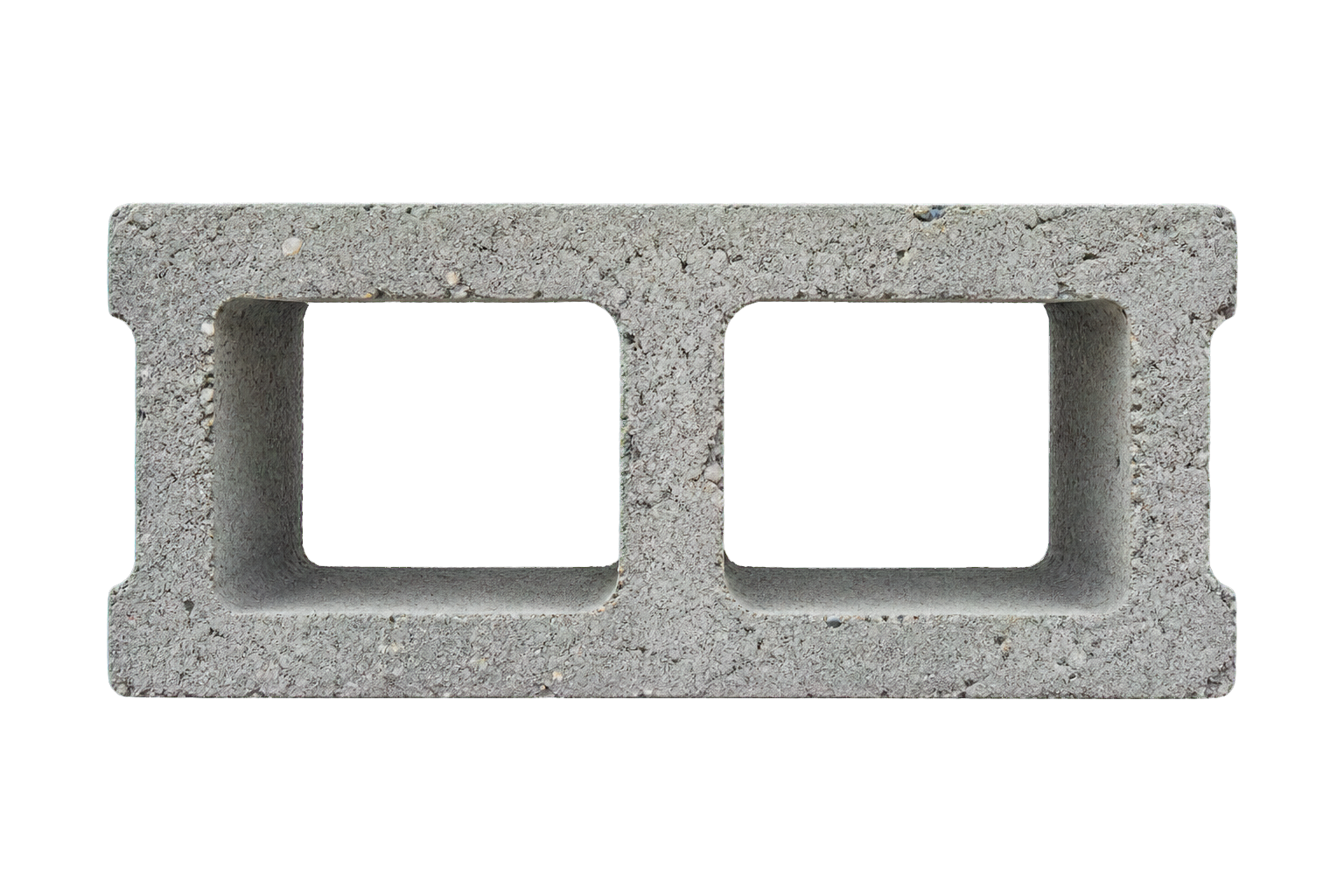
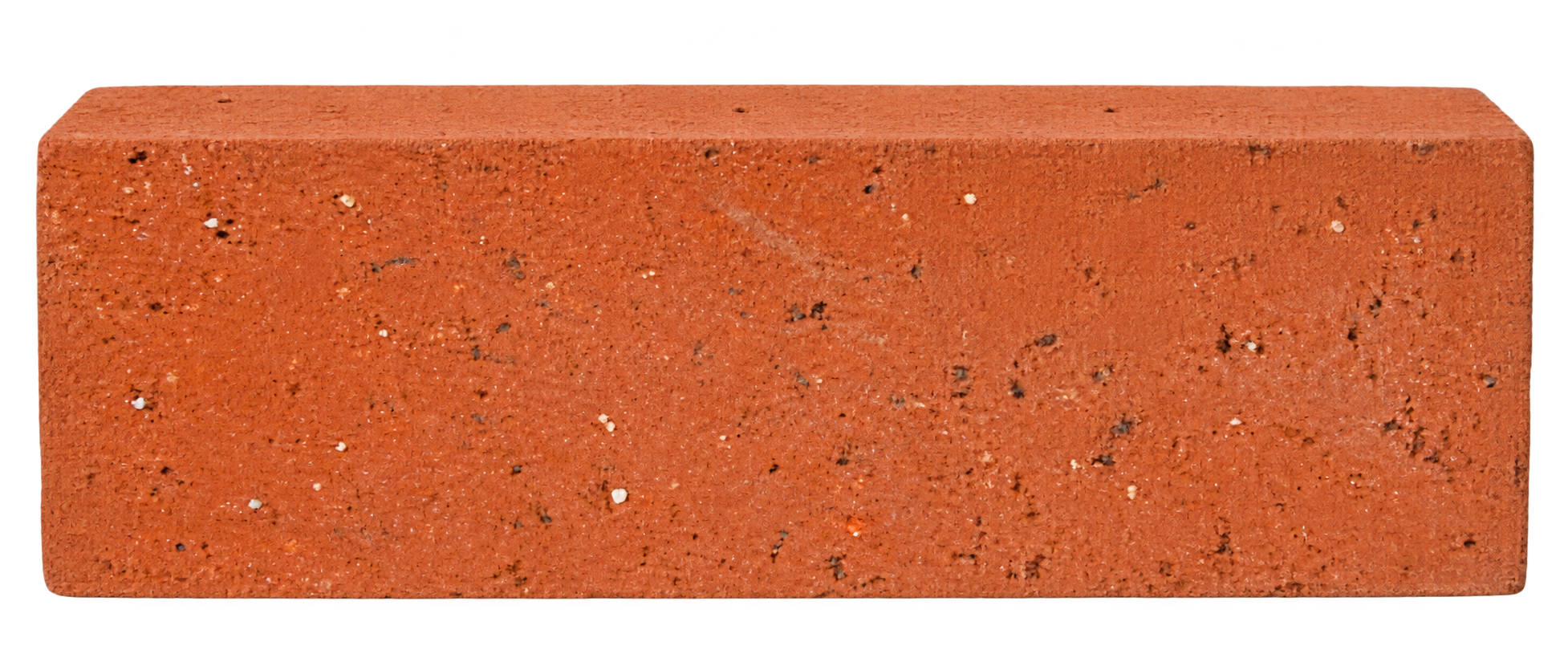
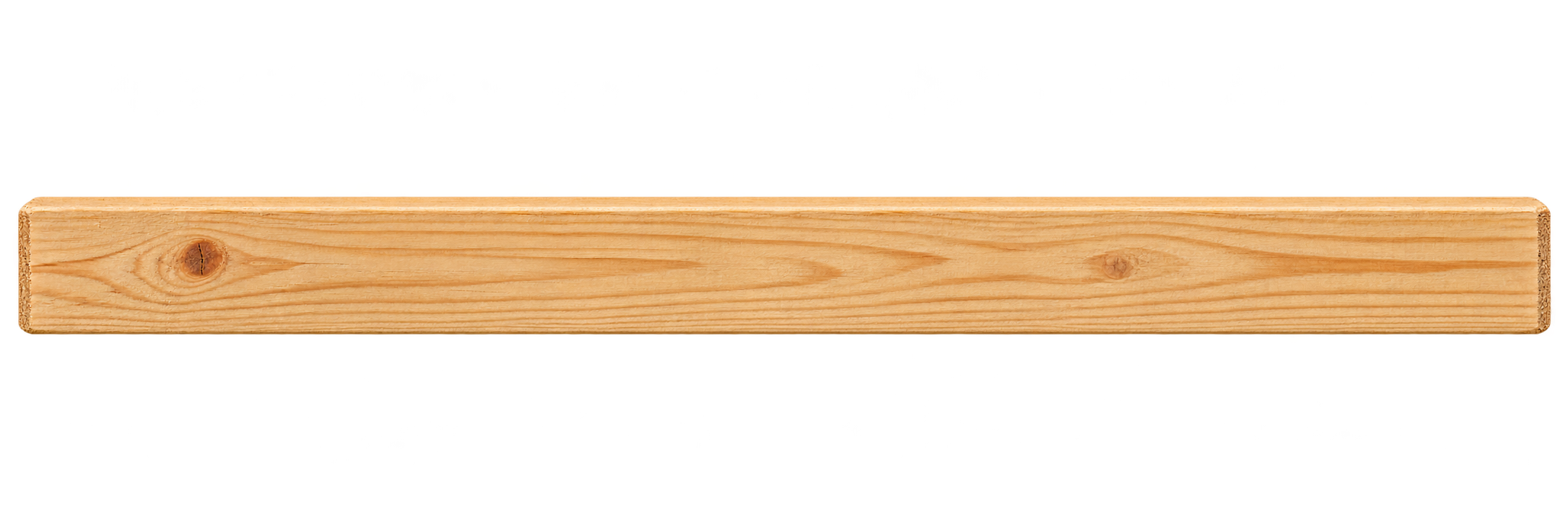
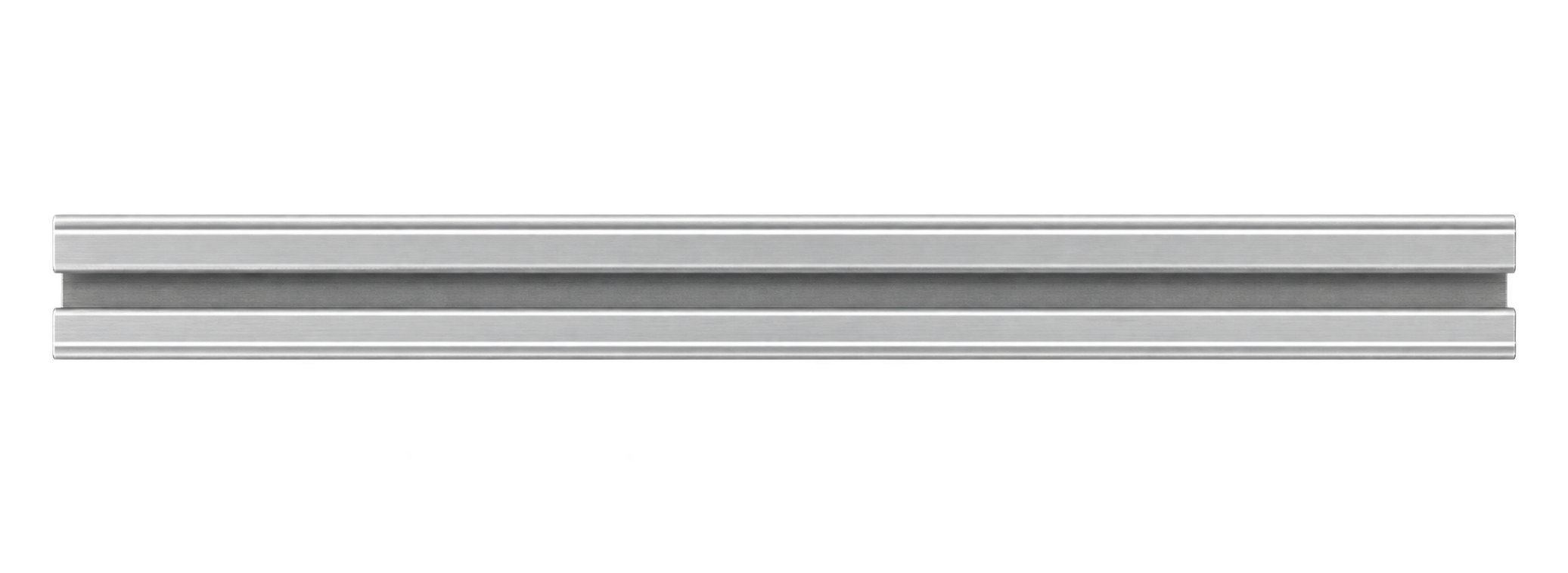
Choose a material (1–5), then add (A). Drag to stack. Select a piece to rotate (R) or remove (Delete). Escape clears your selection.Tap a material to add it. Drag to stack. While holding a piece, use a second finger to rotate it. Select a piece to use Rotate or Remove.Each mode keeps its own build. Blocks and tools stay visible here. Clearing site data removes your personal build.